Our Genius is Valves ®
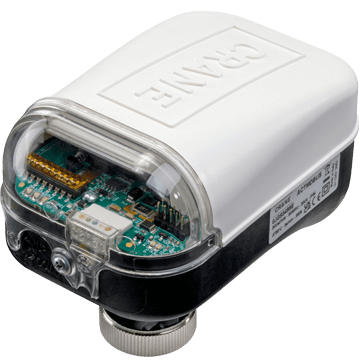
Crane Fluid Systems Connected Solutions offers a range of valves with smart capabilities to support building owners and operators in reducing energy consumption and carbon emissions.
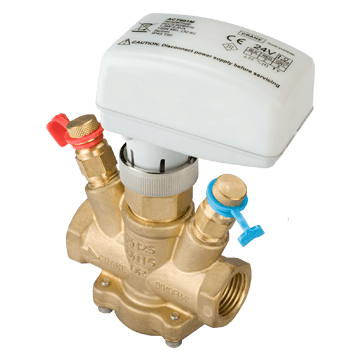
The ProBalance range offers a wide variety of Flow Management Systems and Static Balancing Valves, providing the ultimate in accuracy and reliability.
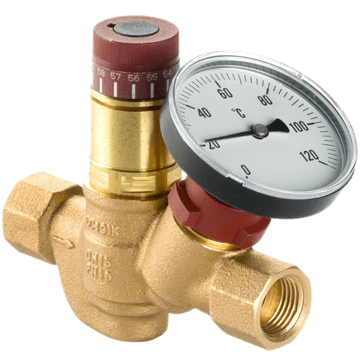
There is a range of WRAS approved Public Health Valves for hot and cold water systems that includes thermal circulation valves that assist in preventing Legionnaires’ Disease, as well as a range of pressure reducing valves.
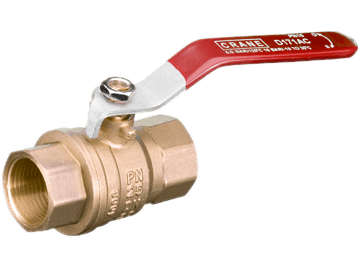
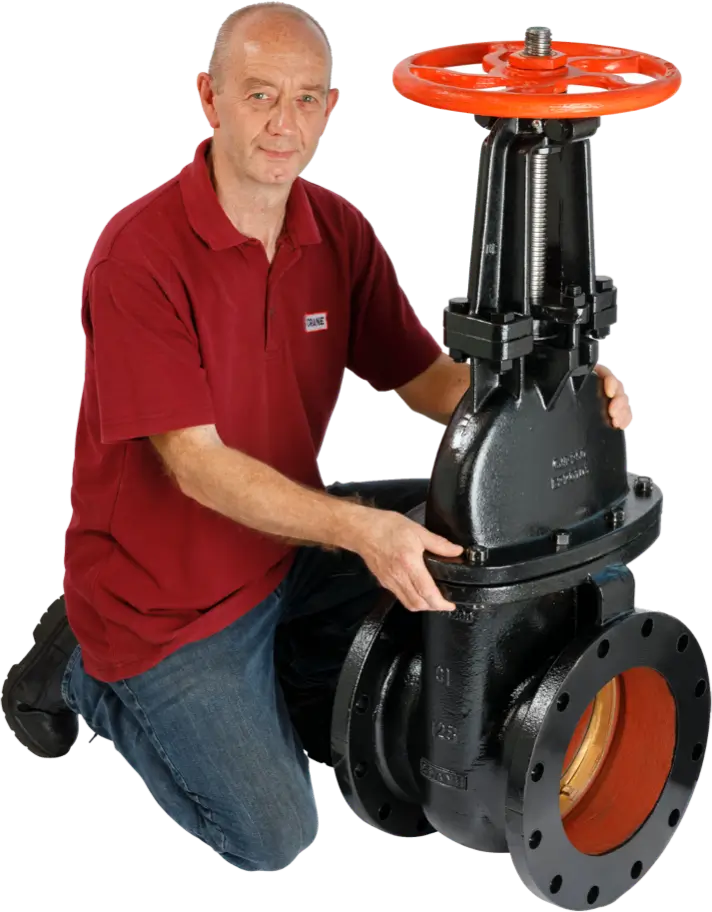
In addition, there is a full range of General Valves including, ball, gate, globe, radiator and Press-Fit valves.
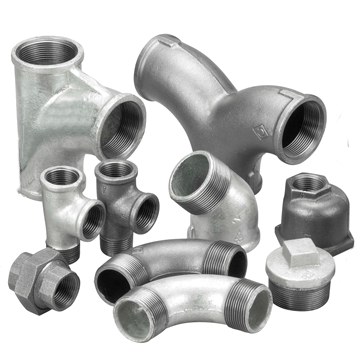
Also available are malleable iron Pipe Fittings and unions, many of which carry the BSI Kitemark.
Sustainable Values
At Crane BS&U, we believe we must act as a responsible corporate citizen, doing our part to drive reductions in our use of natural resources and, in turn, reduce our negative impact on the environment seeking ways to proactively protect our world.
What Are We Doing?

Intelligent Design
Crane Fluid Systems has been involved with bimstore from its inception and our product library is currently one of the largest contributors of content with thousands of downloads each month across the world.
Design engineers can now digitally generate systems with different combinations of valve products, locations and other details, allowing better-informed design decisions to be made from the start, through to automatic scheduling in the later stages.
Crane FS & BIM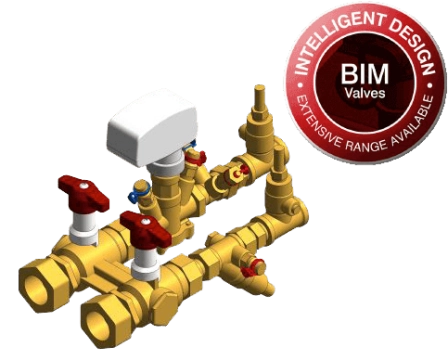
Case Studies
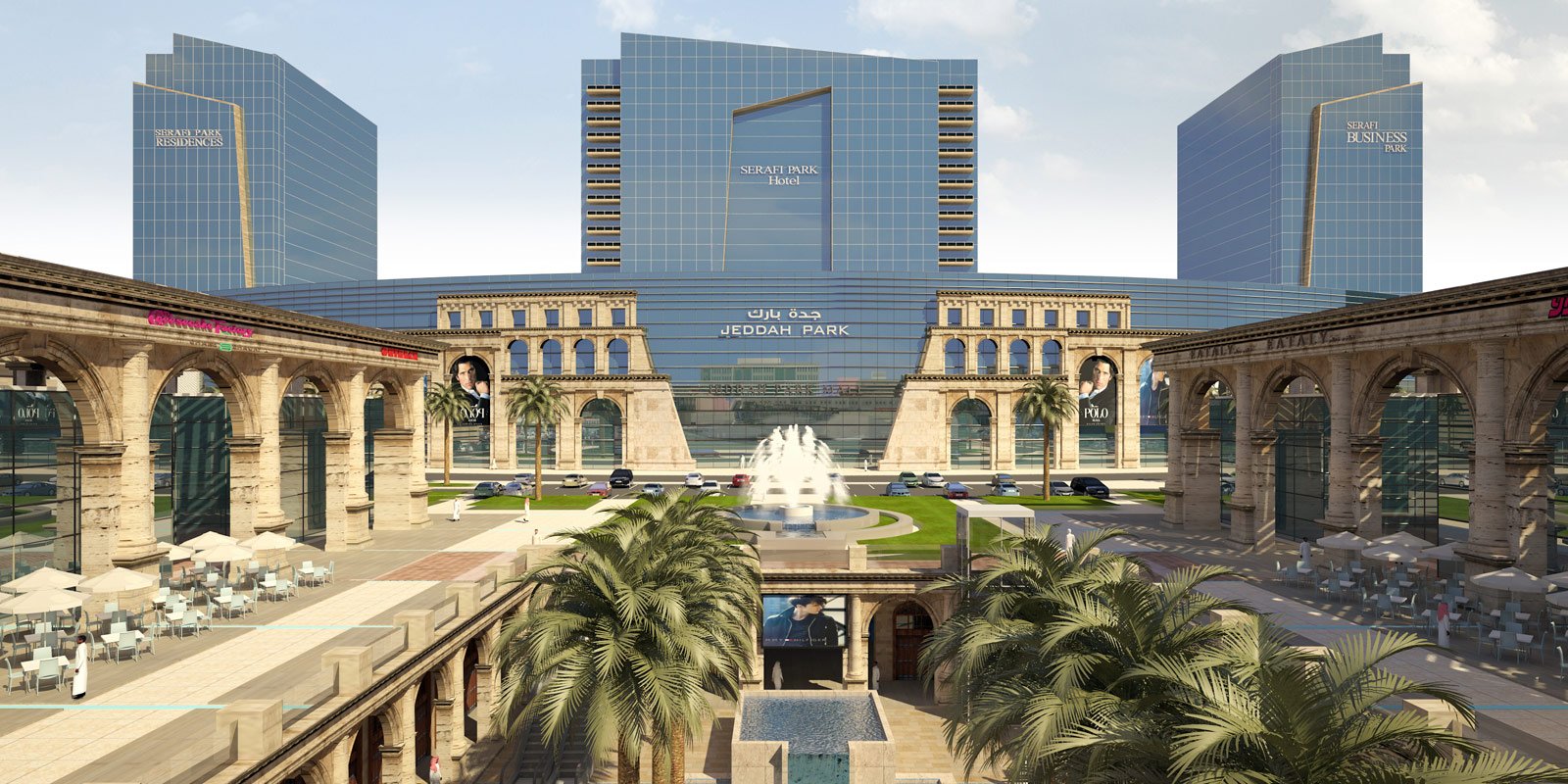
Serafi Mall, Jeddah
A complex that comprises of a hotel, office space, shopping mall and a mosque, plus the country’s first IMAX theatre.
Read Case StudyLatest News

Join us on Wednesday 25th June 2025 at 10am BST for our live webinar on Smart Valves.

We have expanded our commitment to sustainability by providing TM65 Embodied Carbon Reports for 96% of the product range.
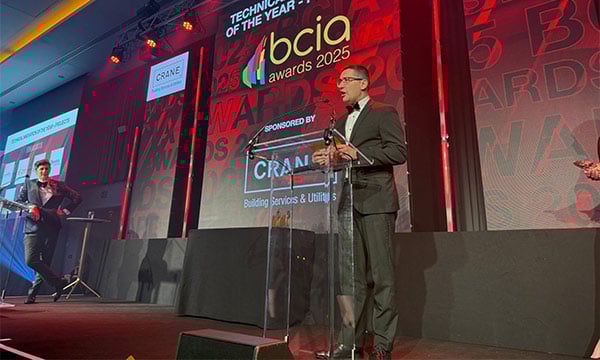
Paulo Roberto Froehner VP/GM for Crane Fluid Systems had the honour of presenting the Technical Innovation of the Year – Projects trophy at Building Controls Industry Association (BCIA) Awards 2025.
Over 100 Years Young
-
1910‘s
- On the 1st of July 1919 Crane Co. purchased James E. Bennett & Sons, a Coppersmiths from London who had been an importer of Crane pipe fittings & valves
- The company was subsequently renamed Crane-Bennett Ltd.

In this decade

1912 – Titanic sinks 
1914 – The Panama Canal opens
-
1920‘s
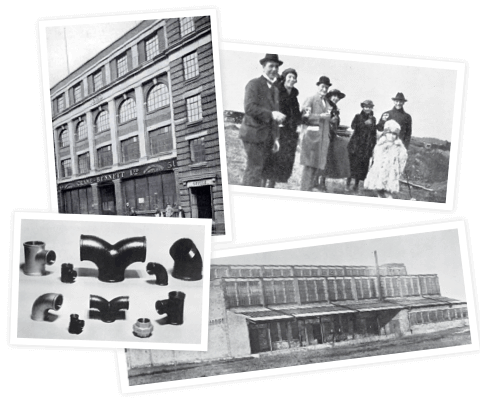
- The head office was established in Leman Street, London, E1
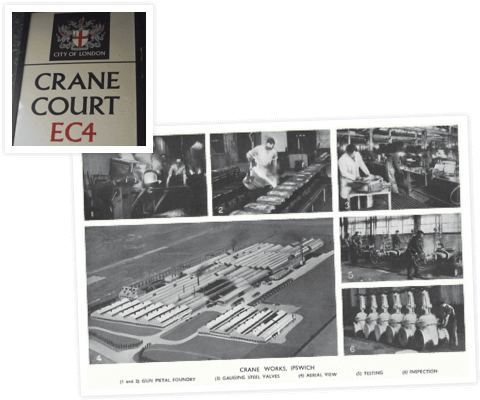
- On the 17th of February 1921 the foundation stone of the foundry was laid in Ipswich
- Production of Malleable Iron Pipe Fittings started in 1927 and the Company employed 300 people by the end of the decade
In this decade

1927 – BBC founded 
1928 – Penicillin discovered
-
1930‘s
- Crane-Bennett Ltd. became Crane Ltd. on the 1st January 1932
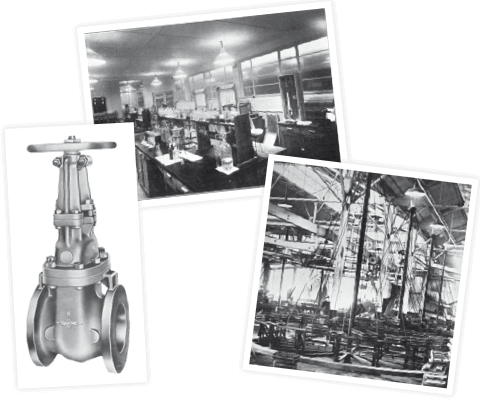
- During this period the Ipswich works expanded greatly to include:
- A small gunmetal foundry
- Cast Iron Gate Valve production
- Cast Iron Radiators & Boiler manufacture
- Galvanising plant for Malleable Iron Fittings
- Metallurgical laboratory
In this decade

1931 – Empire State Building opens 
1933 – FM radio invented
-
1940‘s
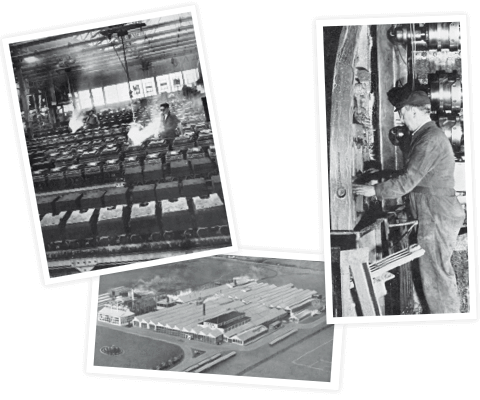
- The Ipswich works was turned into a munitions factory to support the war effort, this included making:
- Army truck castings
- Tank bogie wheels
- Mortar bombs
- Machine gun parts
- and landmine castings
- The only halt in production occurred when the works was bombed in 1941, fortunately little damaged was caused and the site was back up a running after a week
- By 1946 normal production resumed and the Ipswich works was expanded yet again to include a steel valve building and a bronze foundry
- The labour force had increased to nearly 2000 people
In this decade
-

1940 – Battle of Britain -

1946 – Microwave oven invented
- The Ipswich works was turned into a munitions factory to support the war effort, this included making:
-
1950‘s
- After outgrowing the Leman Street office the headquarters moved in 1956 to 15 Red Lion Court, Fleet Street, London, EC4. It was then renamed Crane Court and is still called that today
- In 1959 a new Malleable Iron Foundry was opened on the Ipswich site to keep up with the demand
In this decade
1953 – Queen Elizabeth II crowned 
1957 – Sputnik orbits the earth
-
1960‘s
- From 1960 onwards Crane Ltd. acquired a series of companies to increase its range of product and services:
- Lumbys of Halifax
- Rhodes, Brydon & Youatt of Stockport
- Tylors of Burgess Hill
- DEV Engineering of Stockport
- Heatinaire of Derby
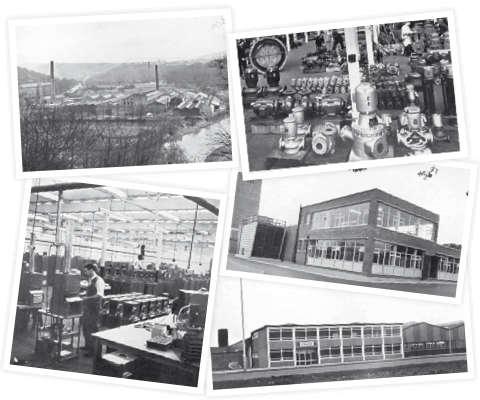
- A new works were acquired in Aycliffe, County Durham in 1963 for the production of heating products
- A Research & Development Centre was established in 1965 at Burgess Hill to keep on top of the latest technical advances
In this decade

1961 – Jaguar E-Type goes in to production 
1969 – Man lands on the moon
- From 1960 onwards Crane Ltd. acquired a series of companies to increase its range of product and services:
-
1970‘s
- A new Distribution Centre was constructed at Northampton in 1973
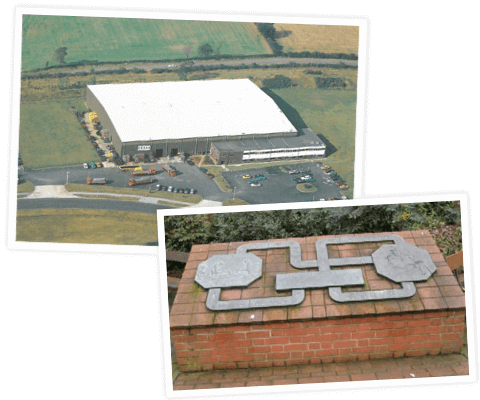
- Crane Ltd. donated a garden in 1977 to the borough of Ipswich to celebrate the 50th anniversary of producing Malleable Iron Fittings in the town
In this decade

1976 – First commercial Concorde flight takes place 
1977 – Pompidou Centre opens
-
1980‘s
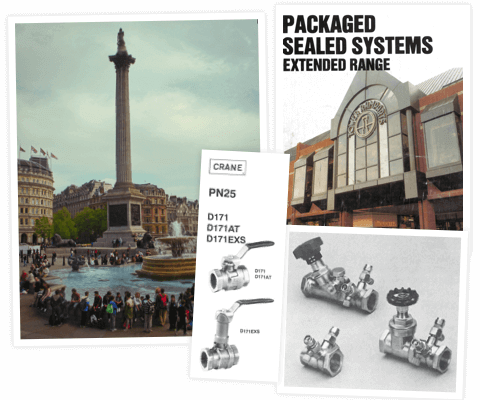
- In 1989 butterfly valves were installed in the pump room to control the water supply for the famous fountains at Trafalgar Square
- The 80‘s also saw the launch of the D171 ball valve range and a series of flow measurement and regulating valves
- PSS HVAC units supplied to Tower Ramparts Shopping Centre in Ipswich in 1988
In this decade

1984 – Motorola creates first commercially available cell phone 
1989 – Tim Berners-Lee invents world wide web
-
1990‘s
- Perflow Instruments were acquired by Crane Ltd. in 1993 to develop flow and low pressure measuring equipment
- Many new ranges were launched or extended during the 90s including:
- Titan Ball Valves
- Challenger Butterfly Valves
- and Crusader Radiator Valves

In this decade

1991 – Berlin Wall comes down 
1994 – Eurotunnel officially opens
-
2000‘s
- Crane Ltd. acquired a number of companies and became Crane Building Services & Utilities to reflect the new brand offerings:
- Viking Johnson – 2003, along with their manufacturing plant in Hitchin
- Helden – 2003
- WASK – 2003
- Hattersley – 2004
- Delta Fluid Products – 2008
- A manufacturing facility was opened in Suzhou, China in 2007
- New products were added to the portfolio during this time including the Crane Fluid Systems Pro-Balance range of valves in 2000, the Dominator flow management system in 2002 and Viking Johnson launched the New MaxiFit coupling offering a wider tolerance in 2005

In this decade

2002 – Euro currency enters circulation 
2007 – Apple iPhone announced
- Crane Ltd. acquired a number of companies and became Crane Building Services & Utilities to reflect the new brand offerings:
-
2010‘s
- Crane BS&U open distribution centre in Dubai in 2013, to serve the ever-growing MENA market
- NABIC web site launched with an eCommerce platform in 2016
- Continued range expansion & new products developed including:
- Crane FS and Hattersley Press-Fit valves, featuring integrated Geberit Mapress in 2012
- Viking Johnson Large Diameter AquaFast in 2017
- Crane FS and Hattersley PICV Mk3 in 2018
- WASK Core & Vac 2019

In this decade

2010 – Burj Khalifa opens 
2012 – Olympics held in London
-
2020‘s
-
Crane FS ‘Our Values’ – Media Campaign 2020
Drawing on the traditional Crane Co corporate brand identity to highlight key messages about our values and philosophy. -
UltraGrip Amplified launched 2022
New sizes DN700 & DN800 for couplings, flange adaptors and stepped couplings introduced for infrastructure and repair projects. -
Dominator Eco launched 2022
Engineered with sustainability in mind, reducing embodied carbon with a shorter and lighter design to eliminating waste with eco-friendly packaging and a digital installation guide. -
Connected Solutions range launched 2023
Supporting building owners and operators to reduce energy consumption and carbon emissions, through enhanced control and data availability for ‘smart building’ applications.

In this decade

2020 – Covid-19 pandemic 
2022 – Russia invades Ukraine
-
Crane FS ‘Our Values’ – Media Campaign 2020